
Capture measurements
Collect weighing data with timestamps, batch context and production order references.
Controlled transfer
Design ERP integration around data validation, transfer status and error records using the available ERP interface.
Traceable loss analysis
Assess scrap and loss using input, consumption and output records. Results depend on data quality and process definitions.
Business context for weighing
Associate gross, tare and net values with the device, time and work order. Treat out-of-tolerance readings and repeated scans explicitly. Validate units, batches and transaction identifiers before ERP posting. Physical instrument calibration is a separate concern.
Explore the topic
Define the scope together
Start with the current process, system inventory and intended outputs. Acceptance scenarios and delivery responsibilities are documented. Discuss your project.
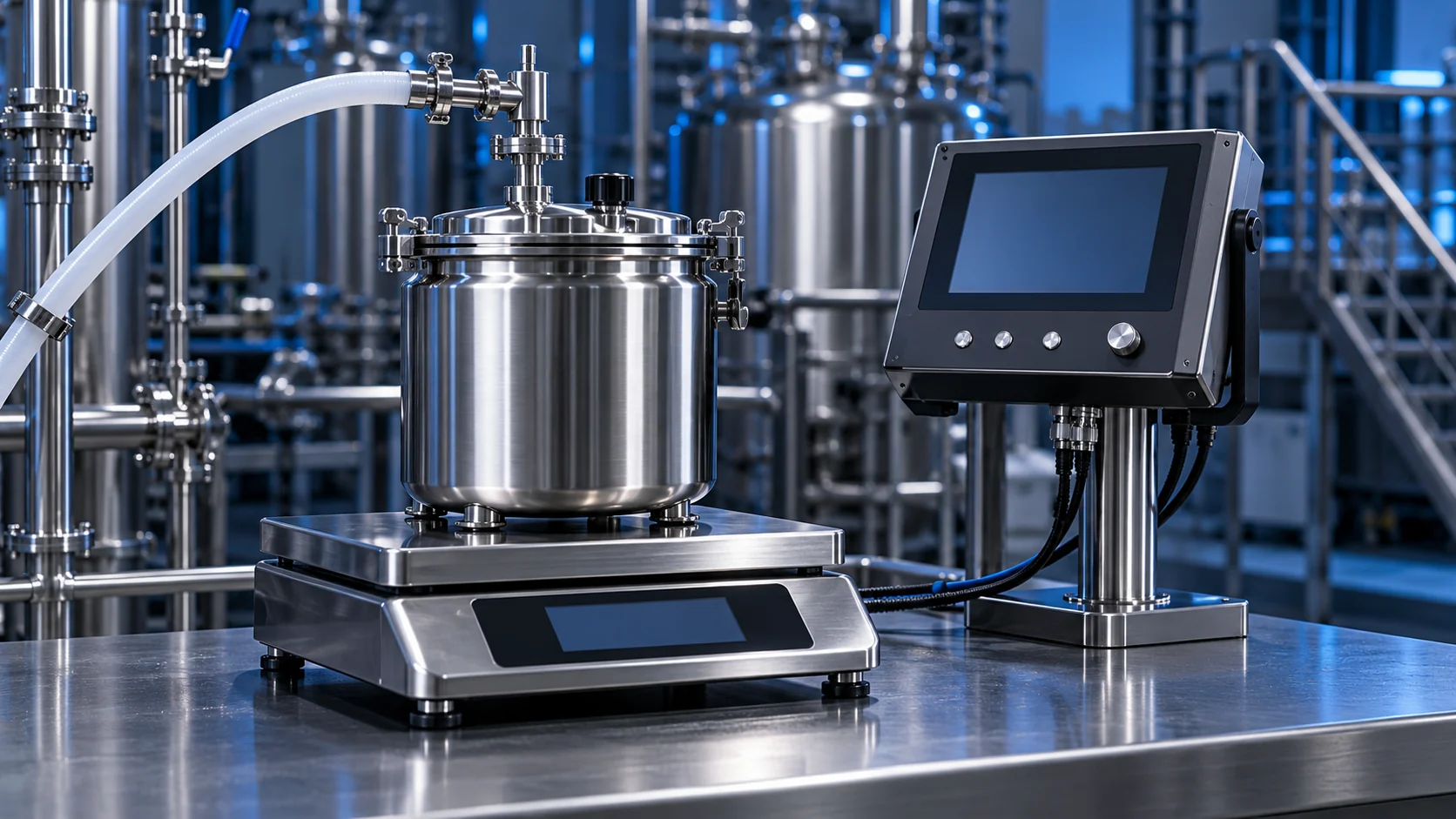
The AI-generated cover illustrates the service topic; it is not a customer project photograph.